05 · METHODOLOGY
How ARP measures results.
Three numbers you see in the app, and what they actually mean.
- LUFS (Loudness, ITU-R BS.1770-4)
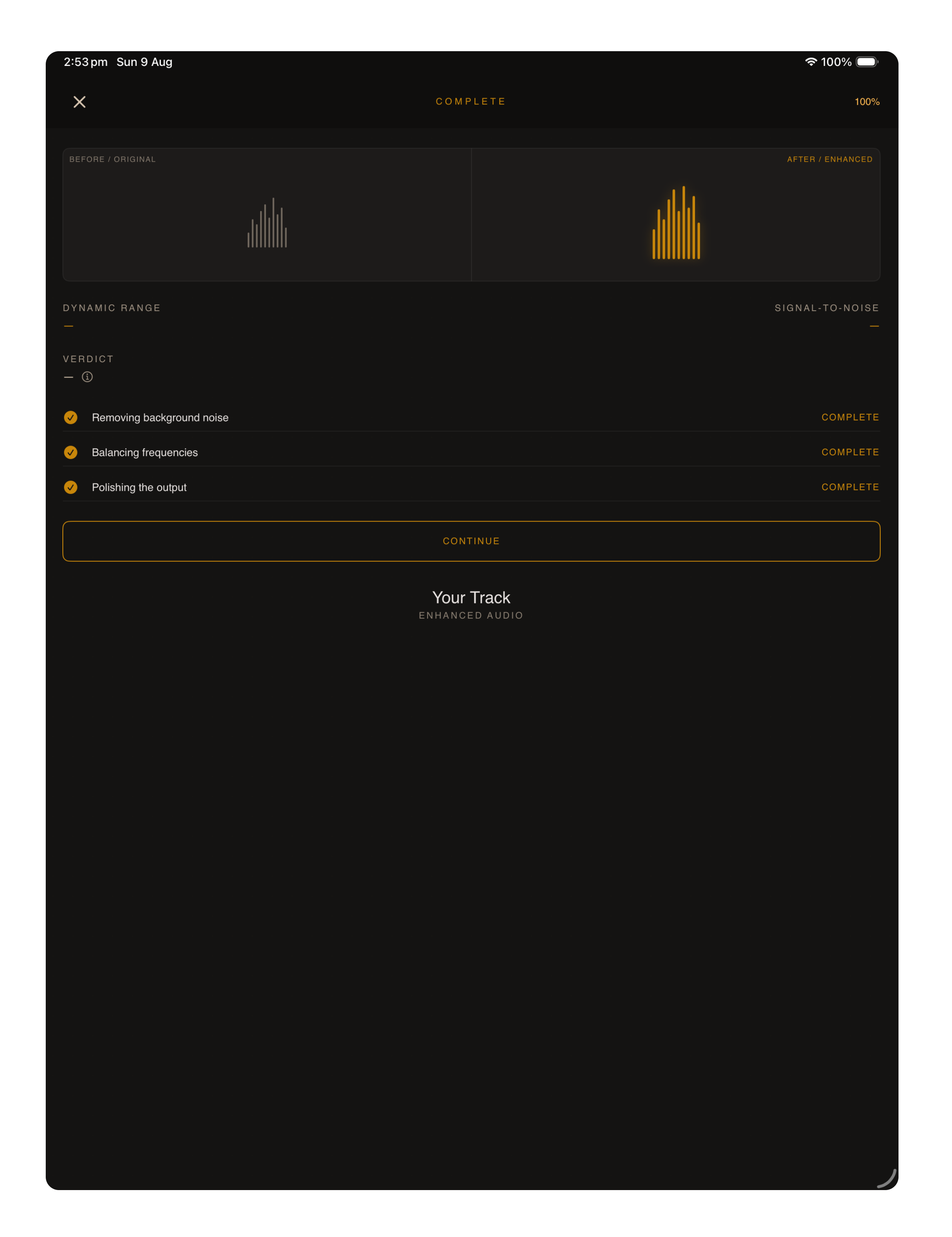
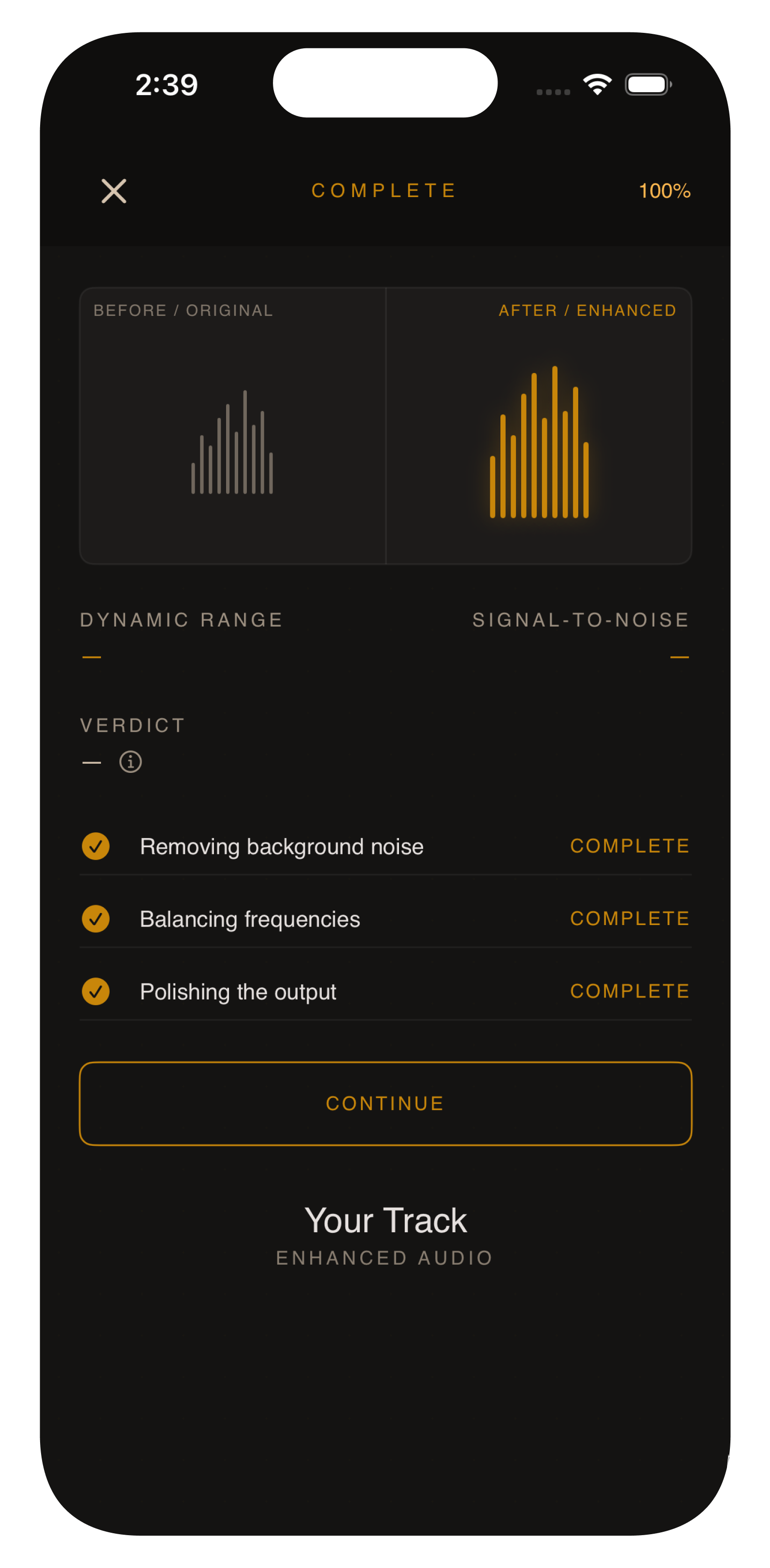
- Perceived loudness in dB, integrated across the file. The number on the enhancement-complete screen is the integrated LUFS of YOUR file. The enhancement chain uses an internal copy of the same BS.1770 algorithm (compiled from
ARPCore/Audio/Loudness.swift) and matches the after-clip to the before-clip on this scale, capped so the true peak doesn't exceed −1 dBTP. That's why the loudness numbers before and after are within ~1 LU of each other on the same file.
- Centroid (Hz, "brightness")
- Amplitude-weighted mean frequency of the spectrum, in hertz. Higher = the sound has more energy above midrange; lower = more energy in the bass. The differentiator (high-shelf band limit) shifts this slightly upward on some files because the chain boosts high content. On music, post-Phase-2 the shift is small (~100 Hz on the bundled demo). On voice, RNNoise + the differentiator can move it a few hundred Hz upward — that's the chain making the voice clearer, not brighter.
- Silent-gap noise (dBFS)
- Background noise estimated from genuinely silent portions of the file — pauses in speech, the seconds between tracks. Frames longer than 100 ms and quieter than −50 dBFS qualify; their RMS becomes the noise-floor reading. The reading is the noise BEFORE the chain on the "Source" side and the noise AFTER the chain on the "After ARP" side. If the reading goes DOWN after, the chain removed hiss from real silences. (If it goes UP, an old pattern called "floor-change artifact" fires and is flagged in the verdict — that's the chain's own dynamics changing how silence is detected.)
Why music shows little change.
By design. The chain skips RNNoise (a speech model) and the expander for classified music — a CD rip or download is not “restored.” Playback EQ and loudness match still run. If Source and After ARP look close, that is the chain declining to denoise music, not a no-op of the whole engine.
Why voice shows the biggest changes.
Voice memos (imported via Files), lectures, interviews, and live recordings are what RNNoise was trained on. The chain separates speech from hiss, room, traffic, HVAC, then expander + limiter + loudness match. The “after” file is RNNoise + DSP on-device, not a cloud model.
Where the numbers come from.
Produced by Scripts/demo-cli in the open-source repo (any contributor can build and re-run on the same files). The script compiles against ARPCore/Audio/Loudness.swift, ARPCore/Audio/AudioMetrics.swift, and TestSupport/SpectralAnalysis.swift — the same files the in-app path uses. The hand-typed "+40% peak" copy that earlier versions of this site showed has been removed; current numbers are script-generated and reproducible.
demo-cli on GitHub · ABX listening protocol